How We Added AI-Sourced Leads to HubSpot Without Overwriting Original Source: 3 Field Rules, a Dedupe Test, and a Routing Workflow
October 10, 2026 · 12 min read
Oct 9, 2026 · @Divyanshu Chaturvedi
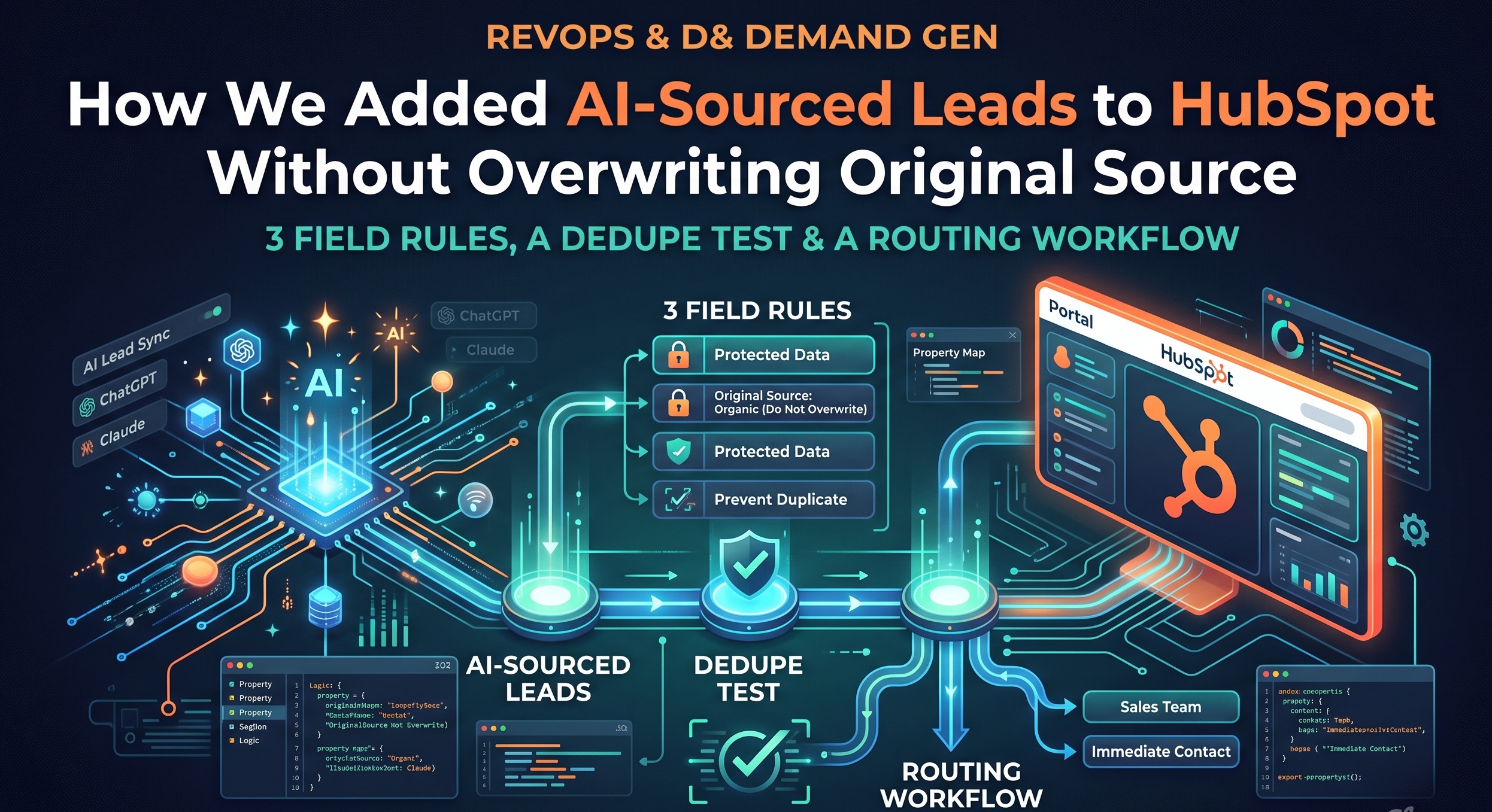
AI-sourced leads can go into HubSpot cleanly if you follow three field rules: never write to HubSpot's own source properties, make first-touch AI fields set-once, and append campaign context instead of replacing it. Add a dedupe test before go-live and a routing workflow keyed off your own properties, and Original Source stays intact while sales still gets the lead the same day.
This is the setup we use at Targetlytics, written for RevOps and demand gen teams at B2B SaaS companies running HubSpot. It covers the exact question we hear on every onboarding call: how do we add AI-sourced leads without duplicate records, overwritten source and campaign fields, or broken routing and reporting?
The stakes are real. Buyers now ask ChatGPT, Gemini or Claude for a shortlist and visit only the names on it. Those visits mostly show up as Direct, so the AI channel gets no credit, and a careless sync can make it worse by stamping over the source data your funnel reports depend on.
One anonymised customer account shows the path we are protecting. A B2B software company arrived from a ChatGPT answer about AI visibility tracking, made 3 visits in 8 days (pricing, then demo), was synced to HubSpot on day 3, and closed in 5 weeks. Every rule below exists so that a record like that one reports correctly from first touch to closed-won.
What you get in this guide: a property map you can copy, the three field rules, a five-case dedupe test, one anonymised before/after record, the routing workflow, and the reporting checks we run weekly.
Why HubSpot's default source fields mislabel AI-sourced leads
HubSpot's Original Source is set from the first tracked session, and AI referrals rarely look like AI to it. That is the root of most "where did this lead come from" arguments.
Three things happen in practice:
The referrer is stripped. A buyer reads a ChatGPT answer, then types your URL or opens it from a copied link. HubSpot sees no referrer and files the contact under Direct Traffic.
The referrer survives but is generic. When a click does pass a referrer, the contact lands under Referrals, with the AI domain buried in Original Source Drill-Down 1. Nobody builds a dashboard on drill-downs.
The first touch was anonymous. The visitor browsed for days before filling a form. By then the AI origin sits in an anonymous session HubSpot cannot tie to the contact.
The tempting fix is to overwrite Original Source with something like "AI". Don't. HubSpot's system source properties feed lifecycle, funnel and campaign reports, and hand-editing them breaks every report that assumed they were system-set. The rules below put AI attribution next to HubSpot's fields, not on top of them.
Field rule 1: never write to HubSpot's source properties
The sync writes AI attribution into its own custom properties and leaves Original Source, Latest Source and their drill-downs untouched. HubSpot keeps reporting the channel it observed; you add the channel it missed.
Targetlytics maps this automatically, so you don't build a schema before you can use it. Per the AI-Sourced Lead Sync page, each record carries the resolved company with firmographics, a contact where available and permitted by jurisdiction, a deal created by HubSpot's own object model, a note with the originating prompt, citation and assistant, a stage set from your rules, and an intent score as a custom property.
Here is the property map we recommend. Internal names are suggestions; keep whatever naming convention your portal already uses.
Property (internal name) | Object | Type | Write behaviour | Example value |
|---|---|---|---|---|
Original Source ( | Contact | HubSpot system | Never written by sync | Direct Traffic |
Original Source Drill-Down 1 and 2 | Contact | HubSpot system | Never written by sync | — |
AI First Touch Engine ( | Contact, Company | Dropdown | Set once, only if empty | ChatGPT |
AI First Touch Date ( | Contact, Company | Date | Set once, only if empty | 2026-09-28 |
AI First Touch Prompt ( | Company | Single-line text | Set once, only if empty | Which tool shows the companies AI sends us? |
AI Latest Touch Engine ( | Contact, Company | Dropdown | Overwrite on each AI visit | Perplexity |
AI Intent Score ( | Company | Number | Updated on batched cycle | 81 |
AI Intent Tier ( | Company | Dropdown | Recomputed from score | Hot |
AI Attribution Confidence ( | Company | Dropdown | Set per touch | High |
AI Campaign Touches ( | Company | Multi-checkbox | Append only | ChatGPT – AI visibility prompts |
Two details matter. The prompt is stored as "likely asked", because the assistant never tells you the exact question; Targetlytics infers it, and explains why it says likely. And confidence is its own field, so leadership can see a conservative high-confidence view separately from an inclusive influenced view.
Field rule 2: first-touch AI fields are set once; latest-touch fields can move
AI First Touch Engine, Date and Prompt are written only when empty, so a second AI visit next month never rewrites how the account first arrived. Latest-touch fields update freely, because their whole job is to change.
This mirrors how HubSpot treats its own Original and Latest Source, which makes the two easy to read side by side. It also matches how the sync behaves: records are written in real time as the visit resolves, then intent scores update on a batched cycle as return visits accumulate. The account gets sharper without the record being rewritten underneath your team.
HubSpot workflows can't read a property's previous value, so belt-and-braces portals add a locked copy:
Create AI First Touch Engine (Locked) with no integration write access.
Workflow trigger: AI First Touch Engine is known AND the Locked copy is unknown.
Action: copy the value into the Locked field. Report on the Locked field only.
Alert RevOps in Slack if the two ever differ; it means another integration is writing where it shouldn't.
Field rule 3: campaign fields get appended, never replaced
If a contact already belongs to a webinar or paid campaign, the AI touch is added beside it, not swapped in. Replacing campaign values is how a paid-social lead suddenly reports as AI-sourced and the paid team loses credit it earned.
How we apply it:
Use a multi-checkbox for AI campaign touches. Each value combines engine and prompt set, for example "ChatGPT – AI visibility prompts" or "Perplexity – GDPR visitor ID prompts". New touches add a checkbox; old ones stay ticked.
Leave HubSpot campaign association alone. If you want AI touches in HubSpot's Campaigns tool, create one campaign per engine and associate records to it as an additional campaign, not a replacement.
Keep UTMs honest. Where you control links that AI engines cite (directory listings, partner pages), tag them with the free UTM builder for AI traffic so the click itself carries the engine name into HubSpot's own fields.
Filter what gets written. Targetlytics lets you write only above an intent threshold, only from named prompt sets, or only for certain firmographics. Tight filters keep the campaign field meaningful.
The dedupe test: five cases to run before go-live
Run these five cases in a HubSpot sandbox before switching the sync on in production; all five should end with zero new duplicate records. Targetlytics matches identified accounts against existing records before anything is written, so an account you already have is enriched, not duplicated. Only genuinely new organisations create new records.
HubSpot's own dedupe keys are company domain for companies and email for contacts. The test checks that the sync respects both, plus the edge cases they miss.
# | Test case | Setup in sandbox | Pass condition |
|---|---|---|---|
1 | Existing company, same domain | Company | AI fields attach to existing company; owner unchanged; 0 new companies |
2 | Existing company, subdomain or alias | Company exists as | Matched to parent company; 0 new companies |
3 | Existing contact, form fill after AI visit | Contact exists by email; same person fills demo form later | One contact; AI First Touch preserved; Original Source unchanged |
4 | Brand-new company | No record for resolved domain | 1 new company created with AI fields and a note |
5 | Repeat AI visit, different engine | Case 1 company visits again from Perplexity | AI First Touch Engine still ChatGPT; Latest Touch now Perplexity; campaign touches appended |
After the run, pull HubSpot's Manage Duplicates view for companies and contacts and compare counts to your pre-test baseline. Record the result in your change log; it's the proof sales leadership will ask for later.
One anonymised record, before and after sync
The same company record shows Direct Traffic before the sync and still shows Direct Traffic after it, but now also tells sales which assistant sent it, what it likely asked and how hot it is. The account is the anonymised example from our product: "Acme Logistics", a Finnish company first seen on Sep 28. The journey and scores come from that example; the owner and pre-existing record are added to show the dedupe path.
Its journey: first visit from ChatGPT on Sep 28 (guides, 2 min, intent 25, Curious); return visit on Oct 2 reading pricing and integrations (6 min, intent 52, Warm), when it crossed the send threshold of 40 and was written to HubSpot with notes; a colleague opened the demo page on Oct 6 (4 min, intent 81, Hot).
Field | Before sync (Sep 28) | After sync (Oct 6) |
|---|---|---|
Company | Acme Logistics (existing, owner: AE West) | Same record, same owner |
Original Source | Direct Traffic | Direct Traffic (untouched) |
AI First Touch Engine | — | ChatGPT |
AI First Touch Date | — | 2026-09-28 |
AI First Touch Prompt | — | Which tool shows the companies AI sends us? (likely) |
AI Latest Touch Engine | — | ChatGPT |
AI Intent Score / Tier | — | 81 / Hot |
Note | — | Prompt, citation and assistant; pages read: pricing, integrations, demo |
Duplicate companies created | — | 0 |
The part RevOps cares about is the second row and the last: same owner, same Original Source, no duplicate.
The routing workflow: how an AI-sourced lead gets assigned
Routing keys off your custom AI fields, never off Original Source, so an existing account keeps its owner and only net-new, high-intent accounts enter the rotation.
[embedded content: HubSpot routing workflow for AI-sourced accounts · 3 decisions]
In HubSpot this is one company-based workflow. Enrollment trigger: AI Intent Score is greater than or equal to your threshold (Targetlytics' own default sends at 40) and AI First Touch Engine is known. Re-enrollment is on for the intent score, so an account that cools and warms up again re-routes.
Existing owner: create a task for the owner with the likely prompt and pages read in the task body, and post to the owner's Slack channel. Do not reassign; that is how AEs lose trust in a new source.
No owner: rotate across the AE pool for the account's territory, then create the same task. Set lifecycle stage only forward, never backward.
Below threshold: no task. The record stays in HubSpot for reporting, and intent keeps updating on the batched cycle until it crosses the line.
In the anonymised example above, Acme Logistics crossed 40 on its second visit, routed to its existing owner, and had a demo-page visit flagged as Hot four days later.
Reporting completeness: the dashboard and the weekly QA
Because AI attribution lives in its own fields, you can report on it without touching a single existing HubSpot report. Build one dashboard and run four checks each week.
The dashboard (four HubSpot reports):
AI-sourced companies created or enriched, by AI First Touch Engine, per week.
Deals with AI First Touch Engine known, by stage, with amount.
Closed-won revenue where AI First Touch Engine is known, cross-tabbed against Original Source. This is the report that shows how much AI revenue was hiding in Direct and Referrals.
Median days from AI first touch to deal created, against your baseline.
For platform-level views (sessions, conversion rate and revenue per assistant, plus a session ledger with a confidence score on each attribution) use Targetlytics' AI Revenue Attribution view. It counts AI sessions from GA4's AI Assistant channel where your property supports it and by referrer matching where it doesn't, and says which one you're looking at. Measured revenue is kept separate from the modelled Revenue at Risk estimate and never summed with it.
The weekly QA checks:
- Duplicate companies created this week: should be 0 above your baseline.
- Records where AI First Touch Engine and its Locked copy differ: should be 0.
- AI-sourced Hot companies with no owner after 24 hours: should be 0.
- Original Source edited by any integration user: should be 0 (check property history).
Implementation checklist
- Connect HubSpot from the Targetlytics connections page (read-only scopes first).
- Create the custom AI properties from the map above, plus the Locked copy.
- Confirm the sync has no write access to Original Source, Latest Source or drill-downs.
- Set write filters: intent threshold, prompt sets, firmographics.
- Run the five-case dedupe test in a sandbox and log the result.
- Build the routing workflow and the four-report dashboard.
- Turn on write-back, a separate explicit step on the Identify pillar.
- Run the weekly QA checks for the first month.
FAQ
Does the sync overwrite HubSpot's Original Source? No. AI attribution goes into custom properties; HubSpot's system source fields keep what HubSpot observed.
Will it create duplicate companies or contacts? It shouldn't. Accounts are matched against existing records before anything is written, and existing records are enriched rather than duplicated. The dedupe test above lets you prove it in your own portal.
What does Targetlytics read from HubSpot? On the read side, aggregate counts only, used to rebuild personas from the segments that close. No contact record leaves HubSpot for persona-building.
Can we identify individual people? Company names worldwide, with around 40–50% of consented visits resolving to a company. Individual people in the US only, with consent. In the EU, it stays company-level under GDPR.
Which plan includes HubSpot write-back? AI-Sourced Lead Sync ships with the Identify pillar on Ultimate ($344/month) and Agency. See pricing.
See which companies AI already sends you
Start with the free AI visibility audit: where AI names you, what it gets wrong, and the first three things to fix, emailed within two hours. When you're ready to sync, the HubSpot integration writes AI-sourced accounts in as Company, Contact and Deal records, with the prompt and citation attached and deduplicated against what's already there.